
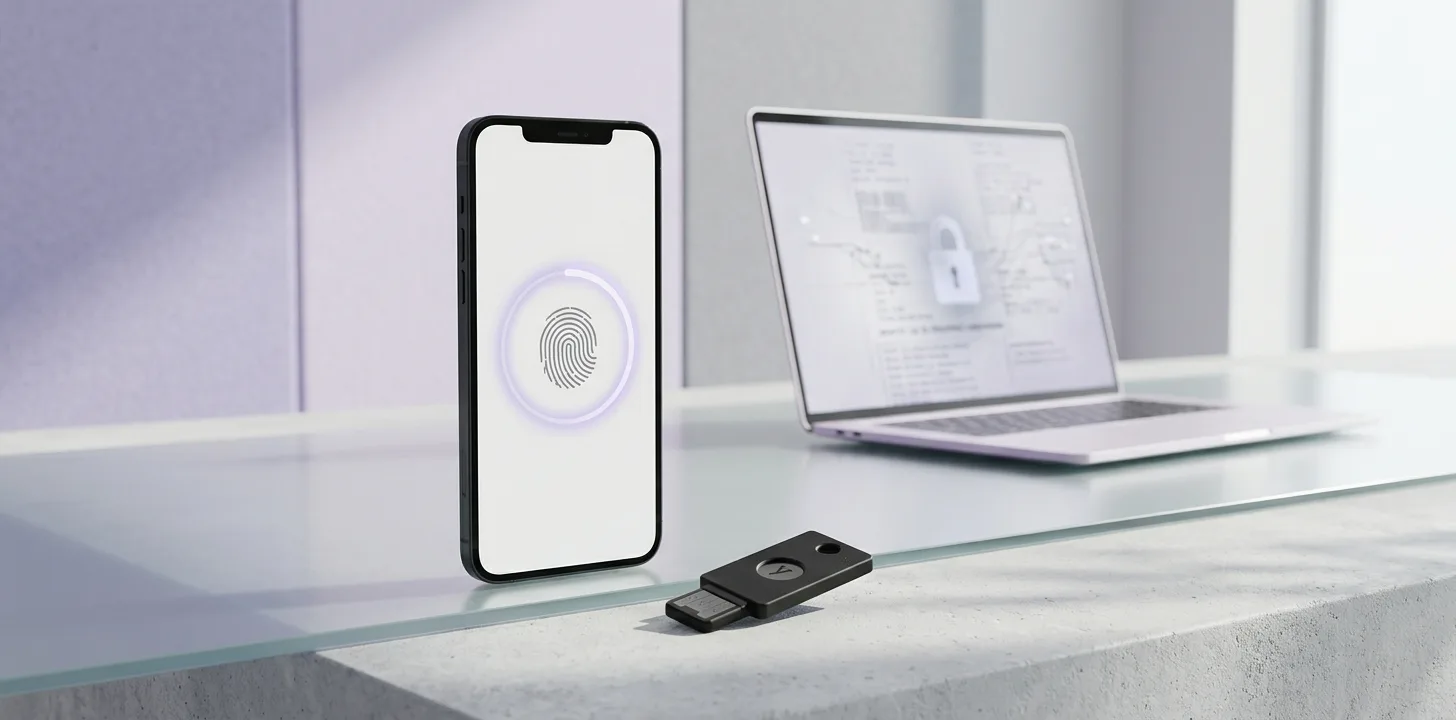
A passkey is a sign-in credential that replaces your password. You approve a sign-in with the same fingerprint, face scan or PIN you use to unlock your device. The FIDO Alliance, which sets the standard, describes passkeys as "phishing resistant and secure by design." That is the standards body's own claim, and this article explains what it rests on.
What is a passkey?
The FIDO Alliance describes a passkey as "an authentication credential based on FIDO standards" that can live on a phone, a computer or a hardware security key. It is built on public-key cryptography, so you never type a shared secret. Google describes the experience this way: you sign in with your fingerprint, face scan or screen lock, and a passkey "can't be shared, copied, written down, or accidentally given to someone else."
Why are passkeys harder to phish than passwords?
With a password, anything you can type can be tricked out of you on a fake page. FIDO says there are "no passwords to steal," so a breach of a website's database does not expose a reusable credential. It also says your biometric data stays on your device, and the website only learns that the check succeeded. Google says the same: biometric data "is never shared with Google."
How do you create a passkey for your Google Account?
Google's steps are: on the phone or computer you are using, go to myaccount.google.com/signinoptions/passkeys, tap Create a passkey, and unlock your device. To use a hardware security key instead, choose Use another device. Google says to create passkeys only on devices you personally own and never on a shared device. To sign in on a computer with a passkey stored on your phone, scan the QR code that appears and approve on the phone, with Bluetooth on.
Which devices and browsers support passkeys?
For Google Accounts, Google lists Windows 10 or later, macOS Ventura or later, ChromeOS 109 or later, Android 9 or later, iOS 16 or later, or a FIDO2 security key. Supported browsers are Chrome 109+, Safari 16+, Edge 109+ and Firefox 122+. You also need a screen lock turned on. FIDO says passkeys work across the major operating systems and browsers, and that passkey syncing between your devices is end-to-end encrypted.
What if you lose the device with your passkey?
Google says to sign in to your account from a device you can still use and remove the passkey belonging to the lost or stolen one. It also warns that once you create a passkey, "anyone who can unlock your device can access your Google Account," even if you have signed out. A strong screen lock therefore matters.
What we could not confirm
The "phishing resistant" and "secure by design" statements come from FIDO and Google, and we have not tested them independently. Google says a new passkey can take up to 7 days to become available at sign-in, and that a passkey adds to your existing sign-in and recovery options rather than replacing them. Sites other than Google may handle passkeys differently, and school or employer-managed accounts may not allow passkey-only sign-in.
Summary
A passkey replaces your password with a fingerprint, face scan or PIN, and the FIDO Alliance describes it as phishing resistant. You can create one for a Google Account at myaccount.google.com/signinoptions/passkeys on a device you own, and if you lose that device you should remove its passkey from your account.
Related articles
Sources
Trend Instant News Desk
Editorial teamWe cover gaming, software and tech. Every story links to its primary sources, and rumours are labelled as such. Spotted a mistake? Let us know and we will correct it.
Comments
Loading comments…