
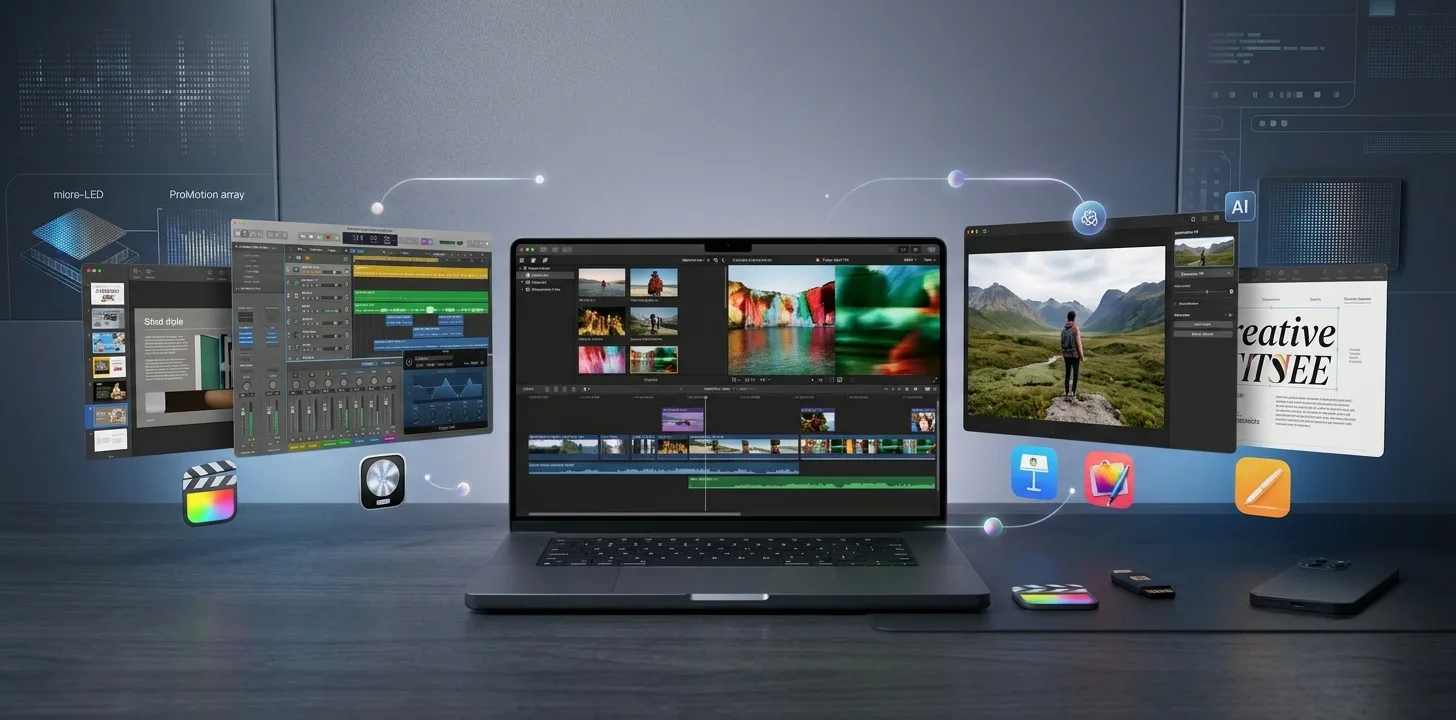
On October 27, 2026, Apple announced a large update to Apple Creator Studio, its subscription for creative apps. The update brings AI features to video, music, photo and document apps, and it arrives on the App Store in November. This article summarises what Apple announced, what it costs, and how the subscription price compares with buying the apps one at a time. Everything below comes from Apple's announcement.
What is new in the apps
Final Cut Pro and Motion
- Final Cut Pro on Mac adds built-in MotionVFX, with thousands of templates, graphics, titles and transitions, plus rotoscoping, tracking and colour grading tools.
- You can generate images from text descriptions inside a project, and open images from the timeline in Pixelmator Pro, with changes saved back automatically.
- Final Cut Pro adds 23 new transcription languages, new keyframe easing options and the ability to disconnect clips from the primary storyline.
- Motion gets MotionVFX plug-ins for cinematic colour grading and 3D camera tracking, plus image generation and a new Displacement filter.
Pixelmator Pro
The headline addition is Generate Fill: you circle an area, describe the change you want, and the app tries to match lighting, perspective and texture. Super Resolution upscaling is also built in, and results can go onto new layers with masking.
Logic Pro
- A redesign using Apple's Liquid Glass look.
- An intelligent assistant, in beta on Mac only, to help start songs, set up vocal tracks and refine projects.
- A redesigned Browser that gathers loops, instruments and effect patches, with on-device analysis that tags sounds.
- An enhanced Stem Splitter that can isolate, replace or rebalance drums without the original multitracks.
Keynote, Pages, Numbers and Freeform
- An intelligent assistant, in beta, built on Apple models and OpenAI, that understands the context of your document: designing slides in Keynote, drafting text in Pages and building charts and tables in Numbers.
- Support for the Model Context Protocol (MCP), so external AI agents and tools can read content, edit it and automate actions.
- Keynote adds support for the Keynote Interchange Format (.keyx), an open JSON-based bundle format.
- Freeform gets text styles and board colours now, with Pixelmator Pro image editing and editable shapes from text arriving in December.
Pricing
| Option | Price (US) |
|---|---|
| Creator Studio, new subscribers | $12.99 per month or $129 per year |
| Creator Studio, education | $2.99 per month or $29.99 per year |
| Free trial | One month for new subscribers |
| With a new Mac or qualifying iPad | Three months free (restrictions apply) |
Existing subscribers get the update at no extra cost in November. Family Sharing supports up to six family members, and Keynote, Pages, Numbers and Freeform stay free.
Subscription vs buying the apps
Apple also lists one-time Mac App Store prices: Final Cut Pro $299.99, Logic Pro $199.99, Pixelmator Pro $49.99, Motion $49.99, Compressor $49.99 and MainStage $29.99.
By our arithmetic, buying Final Cut Pro, Logic Pro, Pixelmator Pro, Motion and Compressor outright comes to $649.95. At $129 a year, the subscription would take about five years to cost the same, which suggests it suits people who use several of these apps or want every new feature as it ships. If you only need one app, a one-time purchase may be cheaper. This is our own calculation from Apple's listed prices, and it assumes the subscription covers the apps you need, so confirm the exact contents on Apple's subscription page before you decide.
Requirements to check first
- Logic Pro assistant (beta): needs macOS 27 or later on an Apple Intelligence-capable Mac.
- Keynote, Pages and Numbers assistant (beta): needs an Apple Intelligence-capable device on iOS 27, iPadOS 27 or macOS 27 or later.
- MCP support: macOS 27 or later.
- Language: the assistants are available in US English only.
- Final Cut Pro on Mac: macOS 26.6 or later, and some features need Apple silicon.
Our take
Most of the headline AI features are labelled beta, and several need the newest operating systems, so expect a staggered rollout rather than everything at once in November. The most concrete, immediately useful additions look like Pixelmator Pro's Generate Fill and the MotionVFX tools in Final Cut Pro, which do not depend on the beta assistants. Judge the subscription on the apps you use today rather than on features still marked beta.
Trend Instant News Desk
Editorial teamWe cover gaming, software and tech. Every story links to its primary sources, and rumours are labelled as such. Spotted a mistake? Let us know and we will correct it.
Comments
Loading comments…