
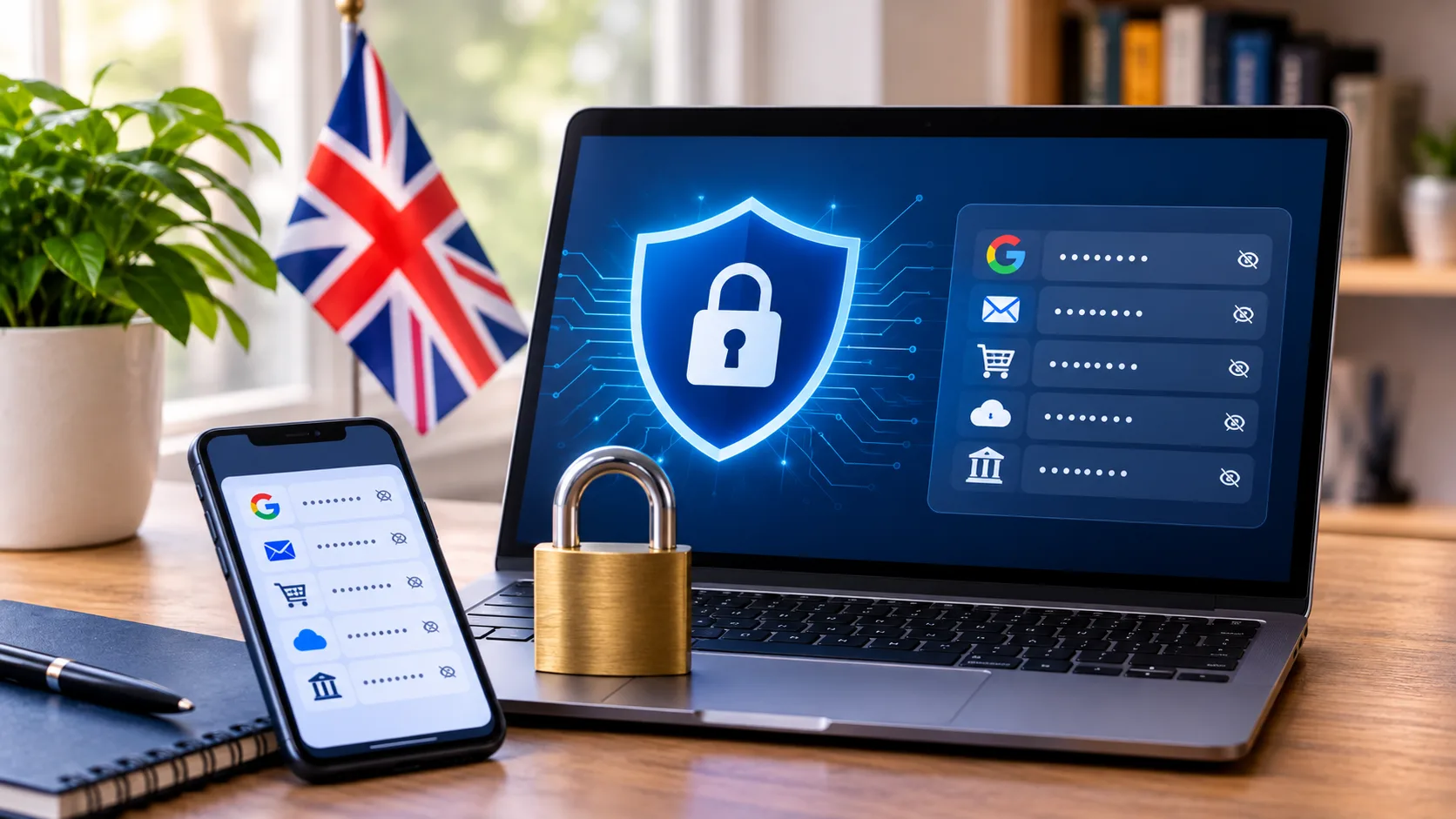
Do you need a password manager? The UK's National Cyber Security Centre (NCSC) says a password manager stores your passwords safely so you can use a different password for every account without memorising them. It also says the first and most important step is turning on two-step verification. Here is what the NCSC advises, and what its page does not cover.
Do you need a password manager, and what does it do?
The NCSC says a password manager "stores passwords safely for you." Third-party managers are usually apps you install on your phone or tablet, and some also work through a website in your browser. Your browser or operating system may already have one built in. Useful features, according to the NCSC, include generating passwords, autofill, syncing across devices and warnings when a password has been breached or leaked.
Why is reusing passwords risky?
If you use the same password on several accounts, the NCSC says that when one is compromised, "a hacker can try the same password on your other accounts." A password manager removes the need to reuse passwords, because it remembers each one for you. The NCSC adds that autofill only fills in on the correct website, which helps protect against phishing pages.
Is it safe to save passwords in your browser?
The NCSC says it is safe to do this on your own devices. On shared or public devices, it says you should never save your password in the browser. It also warns that saved passwords "are only as secure as your devices and accounts," so keep automatic updates switched on.
What happens if you forget your master password?
The NCSC stresses that it is "really important to remember your primary password," because it is the key to your password manager. If you forget it, the NCSC says many managers offer recovery options, such as password hints or emergency access through trusted contacts. Check what your chosen manager offers before you rely on it.
Should you turn on two-step verification?
Yes. The NCSC calls turning on two-step verification (2SV) "the first – and most important – step" to protect against phishing or compromise. It also recommends switching it on for the password manager account itself, so that even someone who knows your primary password still cannot get in.
What we could not confirm
The NCSC page does not say what happens to your passwords if a password manager company is itself breached, and it does not rank or recommend specific products. We have not tested any password manager for this article and do not recommend one. The NCSC is a UK agency, so check that its advice fits your own situation and any rules at your workplace.
Summary
The NCSC says a password manager lets you use a different password for every account without memorising them. Saving passwords in your browser is safe on your own devices but never on shared or public ones, your primary password is the key to everything, and turning on two-step verification is the first and most important step.
Related articles
Trend Instant News Desk
Editorial teamWe cover gaming, software and tech. Every story links to its primary sources, and rumours are labelled as such. Spotted a mistake? Let us know and we will correct it.
Comments
Loading comments…