
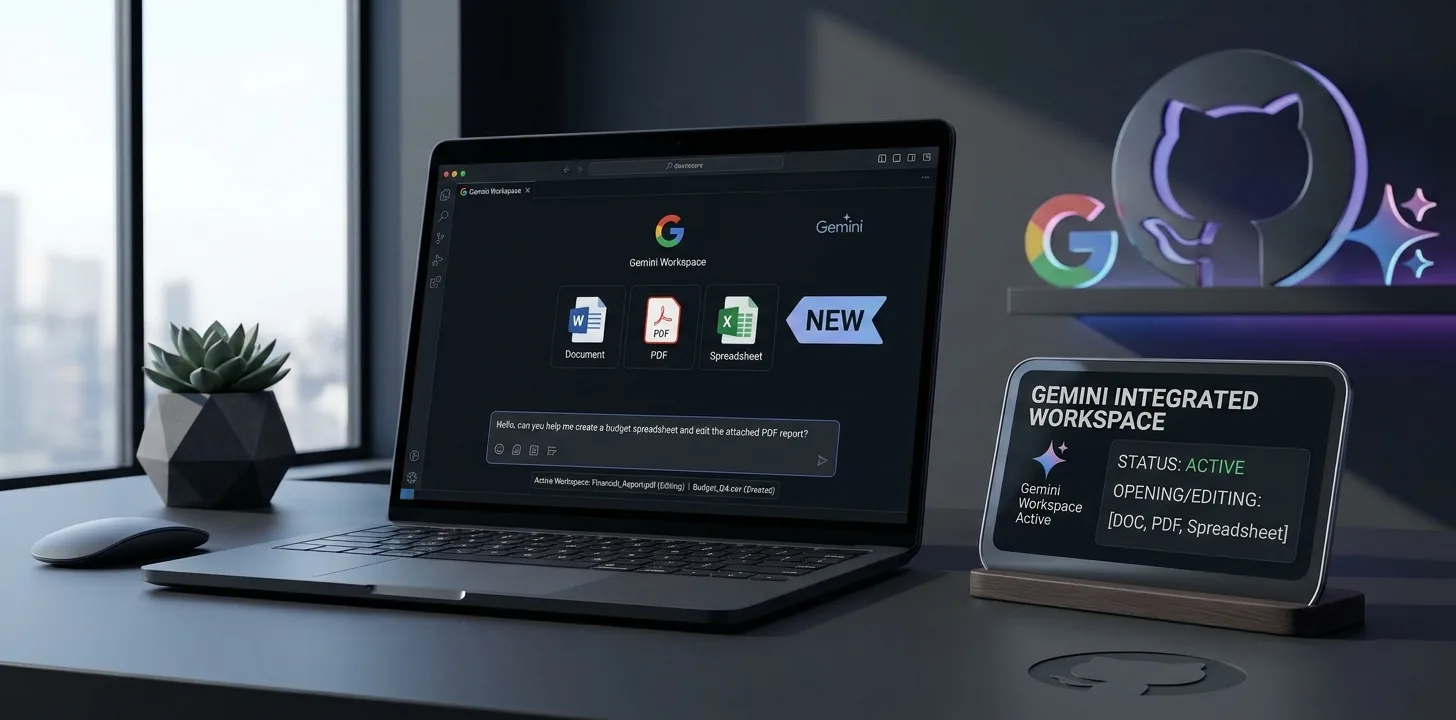
On October 29, 2026, Google announced that you can now generate, preview and edit files directly in the Gemini app. Instead of copying text out of a chat and into another tool, you can ask Gemini to create a document and then work on it in the same place. This article summarises what Google announced in its official Gemini blog post and points out what the post does not say.
What you can do
- Generate files: ask Gemini to create documents, PDFs, presentations, spreadsheets and code, among other formats.
- Preview them in the chat: the file appears in the conversation so you can read it straight away.
- Edit by hand: expand a file to full screen and type your edits directly.
- Ask about specific text: highlight a passage and ask Gemini questions about it.
- Refine with a prompt: ask Gemini to revise the file, including text or visuals.
Google names Google Docs, Google Sheets, slide decks, Markdown files, TXT files and code among the supported types.
Where it works
| Format | Web | Mobile |
|---|---|---|
| PDF preview and editing | Yes | Yes |
| Documents, presentations, spreadsheets, Markdown, TXT and code | Yes | Not stated, so assume web only for now |
Google says PDF preview and editing works on web and mobile, while the other listed formats work on web only.
Who gets it
According to Google, the capabilities are "now available to all users in all languages where Gemini app is available." The post does not describe a staged rollout, so you should see it without waiting, although we have not tested it ourselves.
A practical example from Google
Google's example is a student who uploads handwritten lecture notes and asks Gemini to turn them into a PDF study guide. The student can then edit the guide by hand, highlight sections for Gemini to revise, and ask follow-up questions, all in the same conversation.
What the announcement does not say
- Price or plan requirements: the post does not mention any subscription requirement.
- Usage limits: not stated.
- Google Drive integration: not mentioned, so we cannot say how or where generated files are saved.
- Microsoft Office formats: not mentioned.
Why it matters for software and SaaS users
This moves a chat assistant closer to being a lightweight document editor. For small teams and individual users, it could shorten the loop of drafting, reviewing and revising a file. For companies that sell document and presentation software, it is another sign that AI assistants are taking on tasks that used to need a separate app. Whether it replaces your current tools depends on the details above that Google has not yet shared, so treat it as a convenience for quick drafts until you have tried it on your own files.
Trend Instant News Desk
Editorial teamWe cover gaming, software and tech. Every story links to its primary sources, and rumours are labelled as such. Spotted a mistake? Let us know and we will correct it.
Comments
Loading comments…