
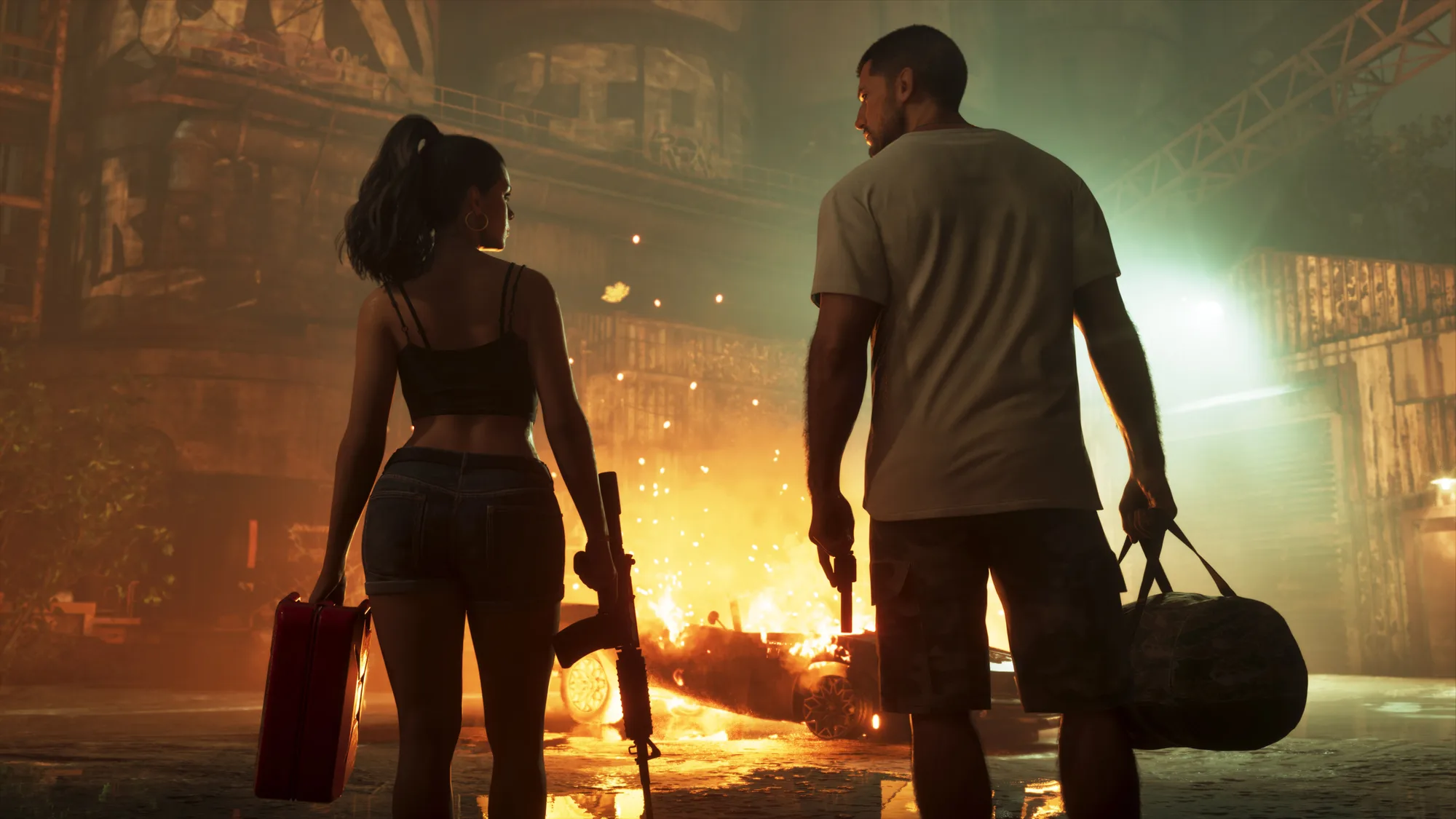
Grand Theft Auto VI launches on November 19, 2026 for PlayStation 5 and Xbox Series X|S, less than three weeks after this article was written on October 31. If you plan to play on day one, a few dates and decisions matter more than the rumours. This checklist uses only what Rockstar's official game page and its pre-order press release say.
The key dates
| Date | What happens |
|---|---|
| November 12, 2026 | Pre-loading begins for digital pre-orders. The physical version, which includes a download code in the box, is also available from this date to support pre-loading. |
| November 19, 2026 | Launch day on PlayStation 5 and Xbox Series X|S. |
| Before November 20, 2026 | Pre-orders and purchases made before this date include the Vintage Vice City Pack. |
Step 1: Choose your edition
Rockstar's press release lists the standard edition at $79.99. A republished copy of the release lists an Ultimate Edition at $99.99, described as adding an exclusive collection of premium vehicles, weapons, apparel and action. Rockstar's game page also shows a Collector's Box called "The Vice City Collection", but it does not list a price for it, so check the Rockstar Store before budgeting for it.
- Standard ($79.99): the full single-player game.
- Ultimate Edition ($99.99): adds the premium collection of vehicles, weapons, apparel and action.
- Collector's Box: price not listed on Rockstar's page.
Step 2: Claim the pre-order extras
- Vintage Vice City Pack: included with pre-orders and with purchases made before November 20, 2026.
- GTA+: digital pre-orders also get one free month of GTA+.
The release says the game is available from the PlayStation Store, the Microsoft Store, the Rockstar Games Store and retailers worldwide. If you buy a physical copy, remember the pre-load code is inside the box, so you do not need to wait for launch day to start downloading.
Step 3: Get your console ready
Rockstar has not published a file size on the pages we checked, so do not trust numbers from social media. Two safe preparations before November 12:
- Free up as much storage as you reasonably can on the console you will play on.
- Make sure your console is updated and signed in so the pre-load starts without delays.
What Rockstar has shown recently
The "Featured News" section of Rockstar's game page lists the latest official items:
- October 29: the original score by Justice was announced.
- October 15: the Launch Trailer became available.
- October 8: the Grand Theft Auto VI Collection went on sale at the Rockstar Store.
What is still unconfirmed
- PC: Rockstar's page and press release name only PlayStation 5 and Xbox Series X|S. Reports of a PC version in early 2027 are not confirmed by Rockstar.
- File size and storage needs: not stated on the pages we checked.
- Age rating: the June announcement described the game as "not yet rated", so check the rating board listing for the current status.
- Post-launch content: we have not found an official Rockstar announcement, so treat specific claims as rumours.
Keeping this page up to date
If Rockstar changes a date or announces anything new, we will update this article and note what changed. Every fact above links back to Rockstar's own pages so you can verify it yourself.
Sources
Trend Instant News Desk
Editorial teamWe cover gaming, software and tech. Every story links to its primary sources, and rumours are labelled as such. Spotted a mistake? Let us know and we will correct it.
Comments
Loading comments…