
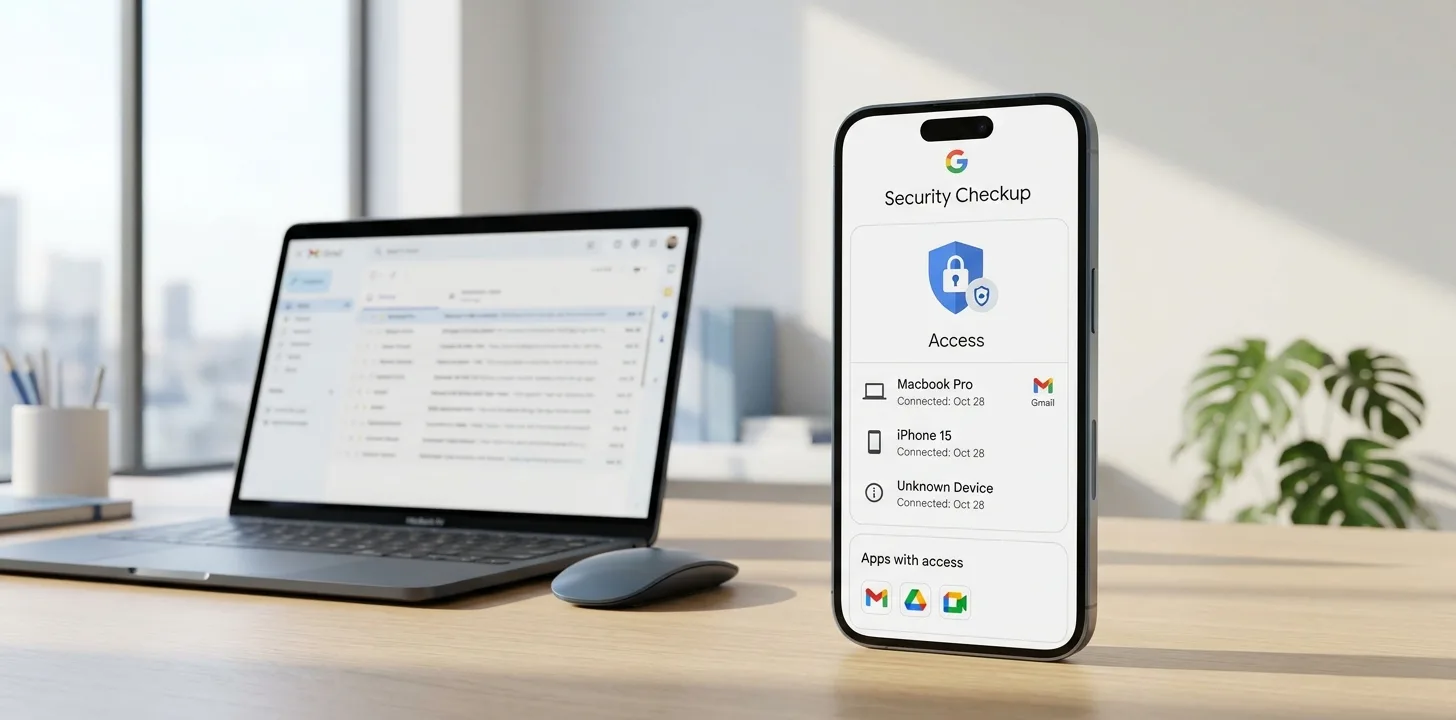
On October 30, 2026, Google published a short guide called "See who has access to your Gmail inbox in 2 minutes". It points to the Google Security Checkup, a review inside your Google account that shows who or what can reach your inbox. If you have not looked at your account's access for a while, this is a quick way to tidy it up. Here is what Google says, step by step.
Where to find the Security Checkup
Google gives this address: myaccount.google.com/security-checkup. Sign in to the Google account you use for Gmail and open that page.
The three steps Google recommends
1. Review signed-in devices
Look through the list of devices that are signed in to your account. If you see a phone, laptop or browser you no longer use, or one you do not recognise, sign it out.
2. Remove old third-party app access
Over time you may have given apps and services permission to reach your account. Google recommends removing access for anything you no longer need, which reduces the number of places that can reach your inbox.
3. Confirm your recovery information
Check that the recovery details on your account are up to date, so you can get back in if you are ever locked out and so Google can reach you about problems.
Why it is worth two minutes
Each signed-in device and each connected app is another route to your email. Removing the ones you no longer use is a simple way to cut that list down. Google also points to its Gmail Help Center guide on protecting your account against phishing and unwanted senders, which is worth reading alongside the checkup.
What Google has not said
- The post does not state which accounts, regions or platforms the checkup is available on.
- It names only three areas: signed-in devices, third-party app access and recovery information. It does not say whether the checkup also covers passwords or passkeys, so check your account's security settings for those separately.
- No statistics are quoted about how many accounts have unwanted access.
A quick checklist
- Open myaccount.google.com/security-checkup while signed in.
- Sign out of devices you do not recognise or no longer use.
- Remove third-party apps you no longer need.
- Make sure your recovery information is current.
- Repeat the check every few months.
The last point, repeating the check, is our suggestion rather than Google's.
Trend Instant News Desk
Editorial teamWe cover gaming, software and tech. Every story links to its primary sources, and rumours are labelled as such. Spotted a mistake? Let us know and we will correct it.
Comments
Loading comments…