
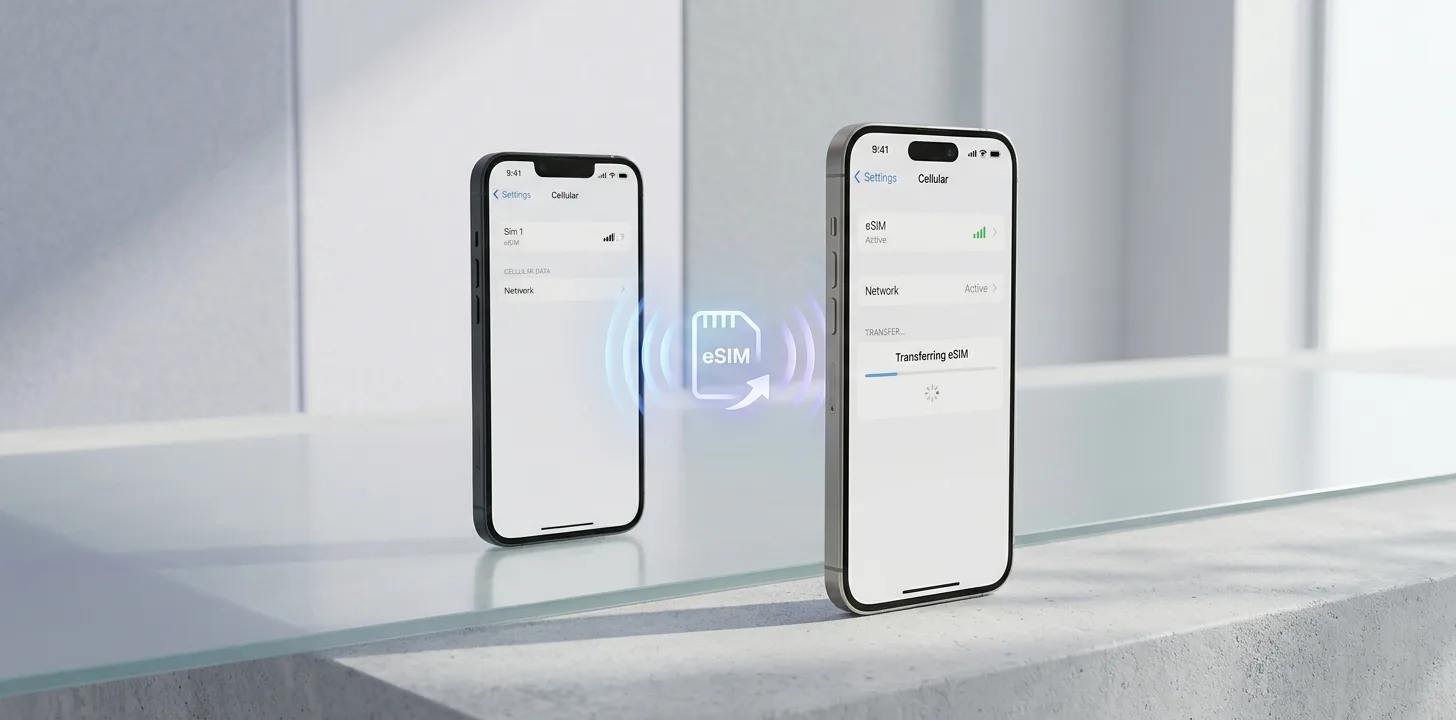
An eSIM is a digital SIM built into your iPhone, so you do not need a physical SIM card. Apple describes it as "an industry-standard digital SIM." If you buy a new iPhone, Apple's eSIM Quick Transfer can move your number across, provided your carrier supports it. Here is what Apple says you need and how it works.
What is an eSIM?
Apple calls an eSIM "an industry-standard digital SIM built into your iPhone, eliminating the need for a physical SIM card." It lets you activate a cellular plan digitally. Apple says you can manage "up to eight or more eSIMs."
Which iPhones and carriers support eSIM?
Apple says you need an iPhone XS, XS Max, XR or later, and a carrier that supports eSIM. You also need to be connected to Wi-Fi or a hotspot to set it up, although Apple notes that in some countries and regions, eSIM-only models can activate without Wi-Fi. Availability differs by region: Apple says that in Hong Kong and Macao some models use Dual SIM with two physical nano-SIM cards instead.
What are the ways to set up an eSIM on iPhone?
Apple lists four main routes:
- eSIM Quick Transfer: move your number from your previous iPhone, if your carrier supports it.
- eSIM Carrier Activation: your carrier sends the plan digitally, usually after purchase or on request.
- QR code: scan a code from your carrier during or after setup.
- Other methods: a carrier link, the carrier's app, manual entry of the eSIM details, or a transfer from a non-Apple device.
How does eSIM Quick Transfer work?
Apple lists these requirements: both iPhones are signed in with the same Apple Account, your previous iPhone is unlocked with its passcode, both devices are nearby with Bluetooth on, and both run iOS 18.4 or later. On the new iPhone, you go to Settings, then Cellular, choose Set Up Cellular or Add eSIM, and pick Transfer From Nearby iPhone if your number is not listed. You then confirm on the old iPhone. Apple says that with iOS 26 or later you can transfer more than one phone number.
What happens to your old iPhone's SIM after the transfer?
When the new iPhone's cellular plan activates, Apple says "it deactivates your previous SIM." If a carrier plan replaces your physical SIM's plan, Apple says to remove the physical SIM and restart the iPhone.
What we could not confirm
Apple's page does not say which carriers support Quick Transfer, so ask yours before you switch. It says only that some carriers and manufacturers support transfers from Android phones with iOS 26 or later, and otherwise points you to your carrier. We have not tested the process on a device. This article covers iPhone only, and other phone makers set up eSIMs in their own ways.
Summary
An eSIM is a digital SIM built into iPhone XS, XS Max, XR and later, and it needs a carrier that supports it. eSIM Quick Transfer moves your number when both iPhones use the same Apple Account, are nearby with Bluetooth on and run iOS 18.4 or later. Apple says the previous SIM is deactivated once the new plan activates.
Related articles
Sources
Trend Instant News Desk
Editorial teamWe cover gaming, software and tech. Every story links to its primary sources, and rumours are labelled as such. Spotted a mistake? Let us know and we will correct it.
Comments
Loading comments…