
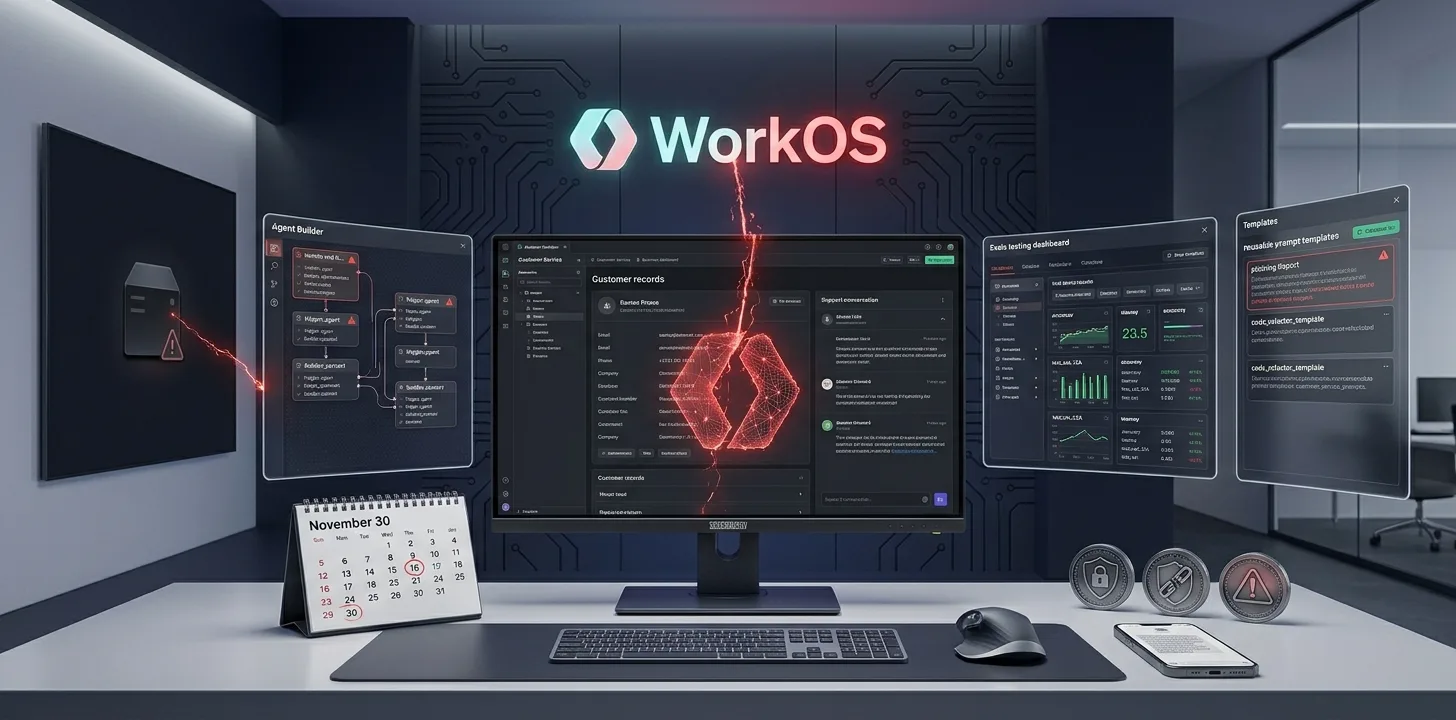
The WorkOS data breach began with unauthorized access to an internal app used by the company's sales team, which WorkOS identified on October 30, 2026. In its security bulletin, last updated November 2, WorkOS says it found no evidence that application data or production services were touched. CRM and customer support data were exposed.
What was accessed in the WorkOS data breach
WorkOS lists four types of data:
- Business contact details: names, email addresses, phone numbers, job titles and company affiliations stored in CRM systems.
- Account and relationship information: including customer account histories.
- Customer communications: summaries and excerpts from sales calls, support discussions and customer Slack conversations.
- Operational metadata: product usage plus connection and directory health.
What WorkOS says was not affected
"There is no evidence that WorkOS application data was accessed, nor is there evidence that production WorkOS services were accessed or impacted."
WorkOS adds that its current analysis shows the incident "affected only CRM and customer support data." In practice, this means the SSO, directory sync and AuthKit services that customers run in production were not shown to be affected.
How the attack worked
WorkOS says the attacker used "an AI-assisted offensive security framework to automate reconnaissance and exploitation attempts." The bulletin does not name the tool or the attacker. Some outside reports have linked the incident to a framework called ARTEX, but WorkOS's own bulletin does not make that link.
What WorkOS has done
- Disabled external access to the affected application.
- Started a wider review of access controls on internal tools.
- Hired an independent forensics and incident response firm.
- Started reviewing affected records to find the impact on each organisation.
What WorkOS customers should do now
The main risk is targeted phishing. An attacker who has your contact details and past conversations can write very convincing messages.
- Warn your team. Tell anyone who has talked to WorkOS sales or support to expect fake messages that quote real conversations.
- Verify unexpected requests. Confirm invoice changes, new payment details or access requests through a known channel before acting.
- Do not trust unsolicited "you are affected" emails. WorkOS says it will contact affected customers directly.
- Review admin access. Check who has admin rights in your WorkOS dashboard and remove accounts you do not need.
- Watch for updates. Bookmark the WorkOS security bulletins page.
What is still unknown
- How many customers are affected.
- When the access began and how long it lasted.
- How the attacker first got in.
Signs of a phishing message that uses this data
- It mentions a real call, ticket or Slack thread with WorkOS, then asks you to act fast.
- It asks you to change payment details, approve an invoice or share credentials.
- It comes from an address or phone number you have not used with WorkOS before.
- It sends you to a login page through a link instead of asking you to visit the site yourself.
If a message ticks any of these boxes, stop and confirm it through a contact you already trust.
Frequently Asked Questions
Was WorkOS hacked?
Yes. WorkOS confirmed unauthorized access to an internal sales app, identified on October 30, 2026.
Was WorkOS production data exposed?
WorkOS says there is no evidence that application data or production services were accessed.
Do I need to change my WorkOS integration?
WorkOS has not asked customers to change integrations. Its main advice is to watch for phishing and verify unexpected requests.
Summary
The WorkOS data breach exposed CRM contacts, account histories and call and Slack summaries, but WorkOS says production systems were not affected. Treat unexpected messages that mention WorkOS with care, and wait for direct contact from the company.
Related articles
Sources
We cover gaming, software, tech, AI and trading. Every story links to its primary sources, and rumours are labelled as such. Spotted a mistake? Let us know and we will correct it.
Comments
Loading comments…