
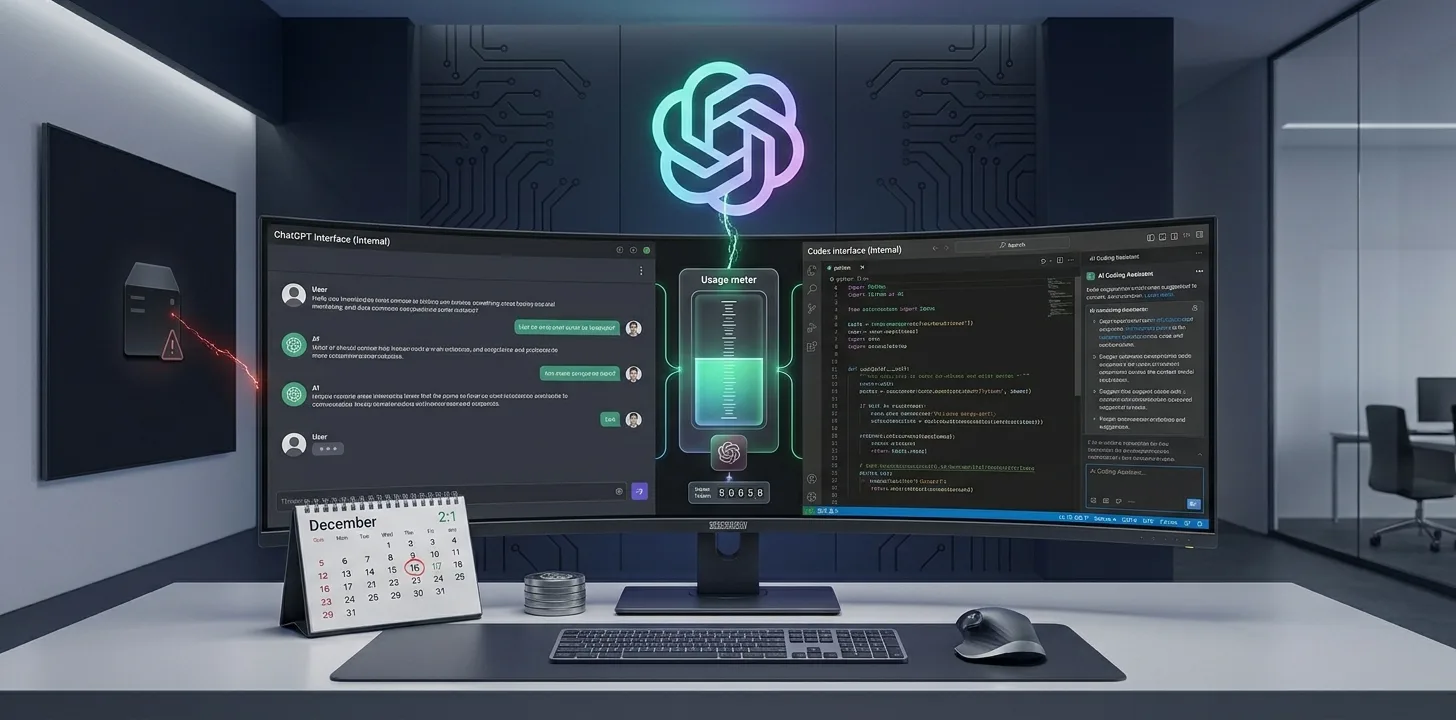
ChatGPT and Codex usage limits are being merged into one shared allowance. OpenAI told subscribers by email that "your use of ChatGPT and Codex will draw from the same allowance." It also plans to test combining the Chat and Work tabs. The details come from BleepingComputer's report on the email, published November 1, 2026.
How the shared ChatGPT and Codex usage limit works
- One pool. ChatGPT and Codex both draw from the same allowance.
- Instant stays unlimited. Unlimited Instant is included in your plan and does not count toward the shared limit.
- Heavier work costs more. Advanced models and complex tasks use more of the allowance.
- When it runs out: wait for the reset, upgrade your plan, or buy credits for eligible features.
How to check your usage
- Open ChatGPT.
- Go to Settings > Usage.
- Check your combined remaining usage and the reset time.
Check this before you start a long Codex job. A big coding task can now eat into the allowance you would use for research in ChatGPT.
Chat and Work tabs are merging
OpenAI will first test a combined Chat and Work experience "in the coming weeks" with a small group of users, then widen it. In the test, you can move from a normal conversation to a bigger task without switching modes.
"You can bring in your files and plugins and ask ChatGPT to build a website, create a presentation, or do things for you on the web, while reviewing and guiding its work."
Codex stays separate. It keeps its own section in the ChatGPT desktop app.
Pro allowances were doubled
OpenAI had already doubled the Work and Codex allowances for its Pro 100, Pro 200 and Pro 500 plans, effective October 29, 2026.
What it means for you
| If you mainly use… | What to expect |
|---|---|
| Quick chats | Little change. Instant chat stays unlimited. |
| Codex for coding | Long jobs now use the same pool as ChatGPT work. |
| Both heavily | Watch Settings > Usage and plan big tasks around resets. |
What we could not confirm
- The exact date the shared allowance starts for each plan.
- Whether Plus and Business plans get the same change at the same time.
- When the combined Chat and Work tab reaches everyone.
How to make your shared allowance last
- Use Instant for quick questions. It does not count toward the shared limit.
- Save heavy models for heavy work. Advanced models and complex tasks use more of the pool.
- Break big Codex jobs into steps. Smaller tasks are easier to review and stop if they go wrong.
- Check the reset time in Settings > Usage before starting a long task late in your cycle.
- Know your fallback. When you run out, you can wait for the reset, upgrade, or buy credits for eligible features.
Why OpenAI is making this change
OpenAI's email frames the merge as a way to "move from exploring an idea to having ChatGPT carry it through, all in one place." A single tab and a single allowance remove the need to choose a mode before you start. The trade-off is that heavy users of both tools now share one budget.
Frequently Asked Questions
Is Codex being merged into ChatGPT?
No. OpenAI says Codex will remain a separate experience in the ChatGPT desktop app. Only the usage allowance is shared.
Do ChatGPT and Codex share usage limits?
OpenAI says your use of ChatGPT and Codex will draw from the same allowance.
Does Instant chat count toward the limit?
No. Unlimited Instant does not count toward the shared limit.
How do I check my Codex usage limit?
Open Settings > Usage in ChatGPT to see remaining usage and reset times.
Summary
ChatGPT and Codex are moving to one shared usage allowance, and OpenAI will soon test merged Chat and Work tabs. Instant chat stays unlimited. Check Settings > Usage before big Codex or Work tasks.
Related articles
We cover gaming, software, tech, AI and trading. Every story links to its primary sources, and rumours are labelled as such. Spotted a mistake? Let us know and we will correct it.
Comments
Loading comments…