
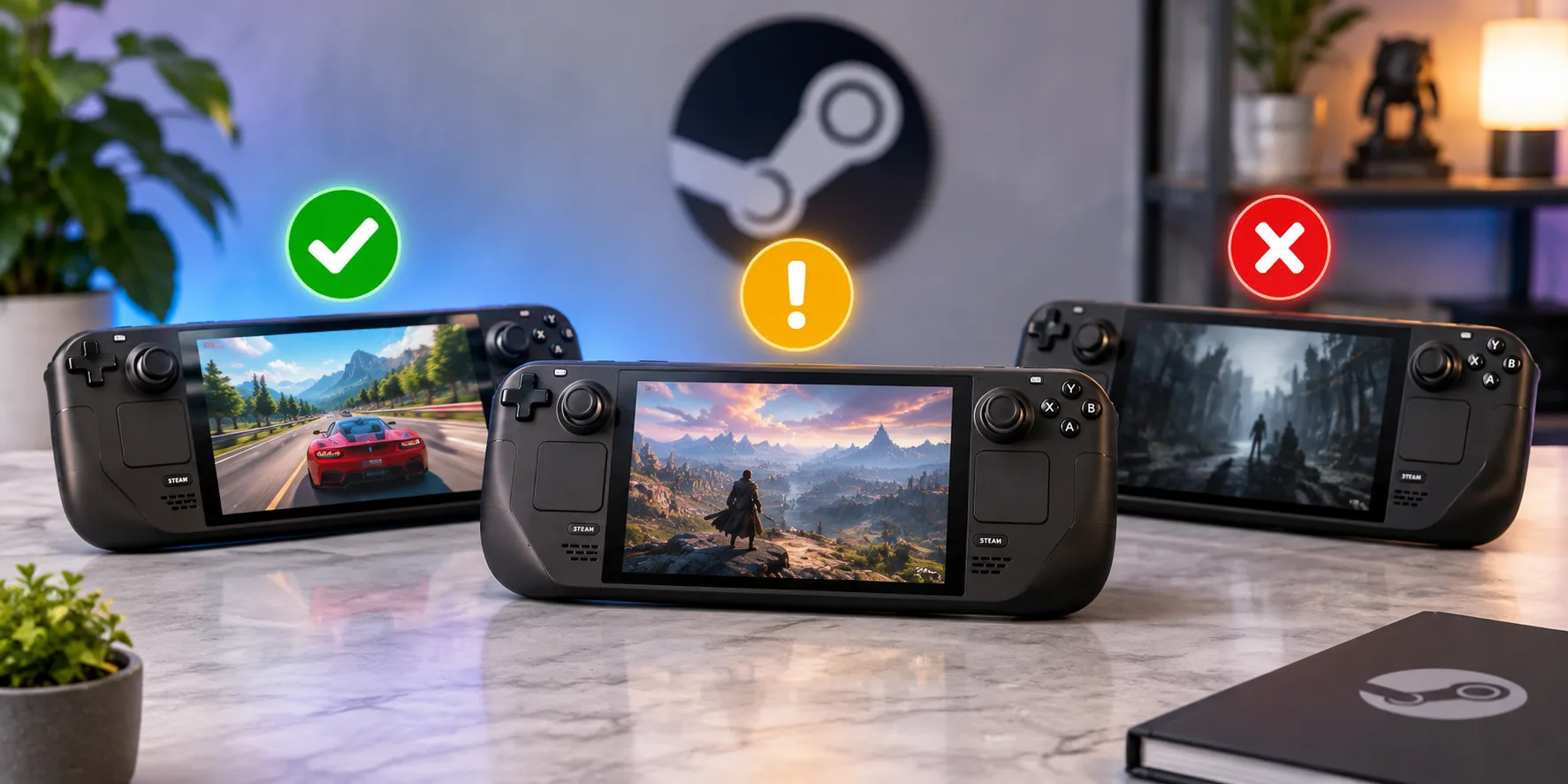
Valve rates every game it has reviewed for the Steam Deck as Verified, Playable or Unsupported, and shows Unknown for games it has not checked yet. Verified is the only rating Valve describes as working "great on Steam Deck, right out of the box." Here is what each label means and how to look up a game.
What does Steam Deck Verified mean?
Valve defines Verified as a game that "works great on Steam Deck, right out of the box." It is the top rating, and it means the game passed all four of Valve's checks, listed below.
What is the difference between Verified and Playable?
A Playable game works, but not perfectly out of the box. Valve says it "may require some manual tweaking by the user to play." Its example is manually choosing a community controller layout. If you want to play without adjusting settings, Verified is the safer label.
What do Unsupported and Unknown mean?
Valve says Unsupported means the game "is currently not functional on Steam Deck." Unknown means "we haven't checked this game for compatibility yet." Unknown is not a warning that the game is broken. It only means Valve has not given it a rating.
How does a game earn Verified status?
Valve says a game must pass four checks:
- Input: full controller support, with appropriate controller icons shown on screen.
- Display: support for the Deck's default resolution, 1280x800 or 1280x720.
- Seamlessness: no compatibility warnings shown while playing.
- System support: if the game runs through Proton, the game and all its middleware must be supported by Proton.
How do you check a game's Steam Deck rating?
Valve says that in your library or on the store you can see compatibility details for every title that has been reviewed. In the Store, the first tab shows only games rated great on Deck. In your library on the Deck itself, each game shows its rating, and you can filter your library by rating.
What we could not confirm
Valve's page does not say how long a review takes, how often it re-tests a game after an update, or how it decides which games to review first. We have not tested individual games for this article. A rating describes Valve's own check, so a Verified game can still run differently on your setup.
Summary
Valve rates games for Steam Deck as Verified, Playable, Unsupported or Unknown. Verified games pass four checks (input, display, seamlessness and system support), Playable games may need manual tweaking, Unsupported games are not functional and Unknown means Valve has not checked the game. You can see a game's rating in the Store and in your Steam Deck library.
Related articles
Sources
Trend Instant News Desk
Editorial teamWe cover gaming, software and tech. Every story links to its primary sources, and rumours are labelled as such. Spotted a mistake? Let us know and we will correct it.
Comments
Loading comments…